Related Posts

Learning ROILA
The RObot Interaction Language (ROILA) is a new spoken language that is optimized for the communication between machines and humans
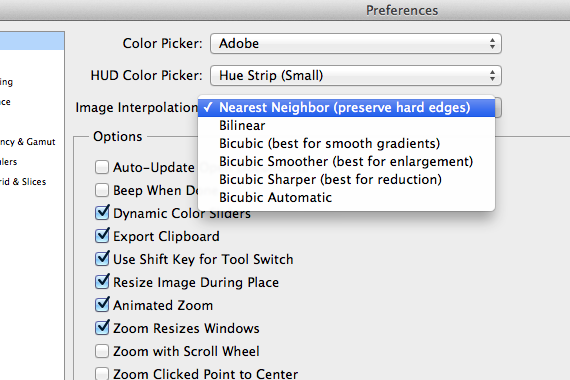
[FIX] Scaling Smart Objects With Nearest Neighbor in Photoshop
How to use Nearest Neighbor interpolation to free transform Smart Objects in Photoshop
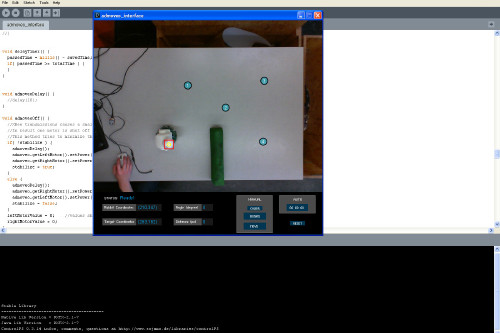
[How-to-Fix] Processing & JMyron = BSOD
How to fix blue screen of death when using Processing and JMyron
Thanks!
Now, do you know how I can have a transparent plane (so I can see the background) that will still hide other away3D objects that are behind it ?
Call it a transparent plane opaque for away3d…
Hmm, I haven’t looked into it, but maybe there’s a way to use the transparent plane as a mask for the other objects?