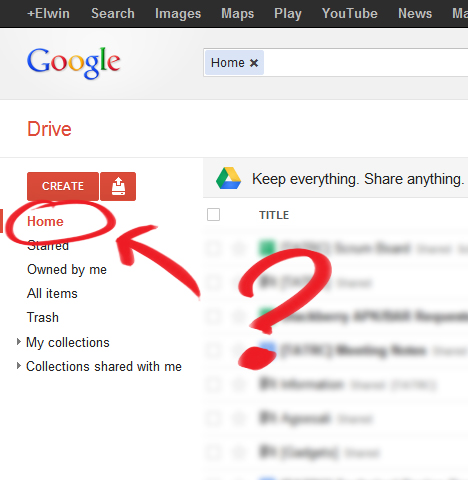
Wondering where the Home view went after switching from Google Docs to Google Drive? It’s actually not your default view anymore in Google Drive, but instead it shows up your collections on the main page.
For me, the most useful thing of using Google Docs was that I was able to see all the documents sorted by modification date. Now you have to navigate through your collections to see which of the documents have changed.
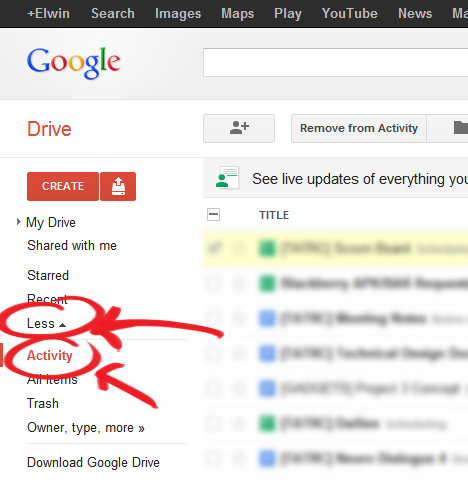
Luckily, the Home view is still present in Google Drive, but it’s hidden in the left menu. It’s actually called the Activity view and you can find it by expanding the “More” tab.
You can also navigate to the Activity view directly https://drive.google.com/#activity
Related Posts
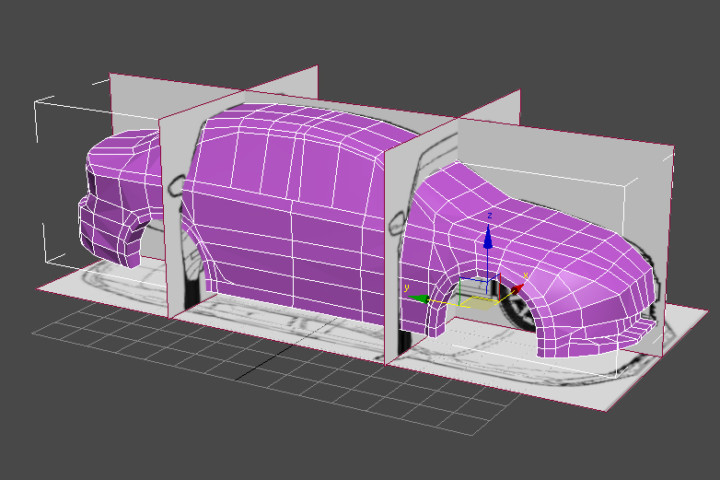
3DS Max Adventures! Volkswagen Jetta WIP
Work in progress Volkswagen Jetta car 3D model

Carnegie Mellon Campus Panorama
Panorama picture of the Carnegie Mellon University campus
Is it possible to make “activity” the default view?
Not sure, but the “activity” view stays as my default view if I don’t exit my browser in a different view though