After more than 3 years, the Outlook.com team finally decided to remove the “Report Phishing“-option from the “Not Spam” menu, and made it its own dedicated button! The old placement was so confusing and it didn’t make any sense to put the report phishing option under Not Spam. Your first instinct wouldn’t be to look there if you want to report phishing or other malicious emails. But maybe enough people complained about it or they’ve finally had someone look at their UX…
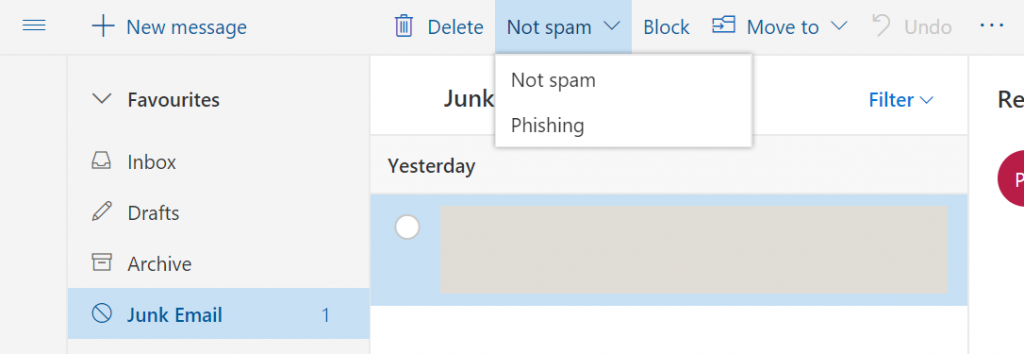 The old “Report Phishing” button placement.
 The NEW “Report Phishing” button placement. So much better!
Related Posts
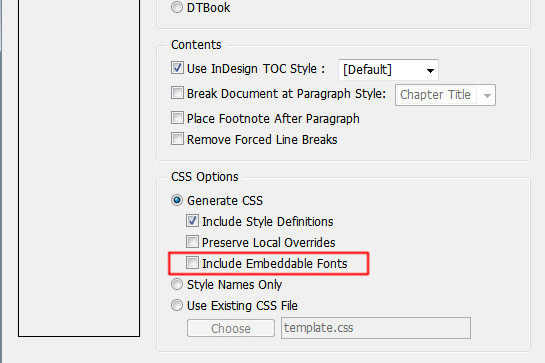
[How-to-Fix] Bold / Italic not showing in Epubs
How to fix Bold & Italic text not showing up in Epubs after exporting in InDesign

[Unity3D] Copy to Clipboard Script for iOS & Android
Handy Unity3D script to copy to clipboard for mobile devices