
[FIX] Unity3D Cloud Build Missing Sprites
I was making a build the other day using Cloud Build, but some of the sprites were missing for some reason. Everything looked fine on a local build though.
Turns out I had the sprites in a folder called "Library" in my Unity Project and Cloud Build ignores or strips out content from that folder. The sprites showed up again in the cloud build after renaming the folder.


[HOW] Find Old Firebase SDK Versions for Unity3D
The SDK link on the Getting Started with Firebase page automatically downloads the latest Firebase SDK. Quite annoying if you're looking for an older version if you want to re-import an older SDK for your project for example. Luckily there's a way to download the older versions. Just enter the version number that you want in this link https://dl.google.com/firebase/sdk/unity/firebase_unity_sdk_{Version number}.zip.
For example, if you're looking for version 6.0.0, the download link would be https://dl.google.com/firebase/sdk/unity/firebase_unity_sdk_6.0.0.zip. That's it!
Source: https://stackoverflow.com/questions/49921164/old-versions-of-firebase-for-unity-firebase-sdk-4-5-0

[How] Parse.com Get Data as Multidimensional List in Unity3D C#
I recently found that you're able to save multidimensional data to Parse. Saving the data wasn't a problem though, but getting it back from a ParseObject took me a while before I finally got it working.Read more
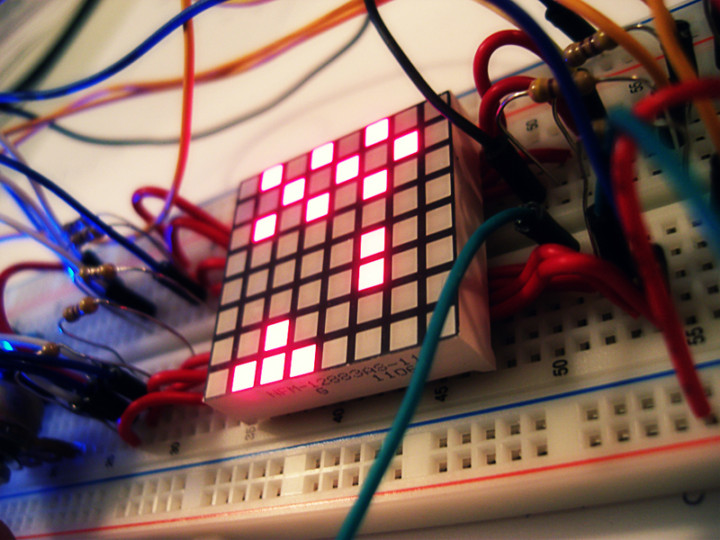
Space Invaders 8x8 LED Matrix
Finally uploaded the video of my Space Invaders game on an 8x8 LED Matrix using an Arduino Nano.
For more info check out my portfolio page Space Invaders - 8x8 LED Matrix
http://www.youtube.com/watch?v=M8C3GZfQZqc&hd=1
[How-to-Fix] Processing & JMyron = BSOD

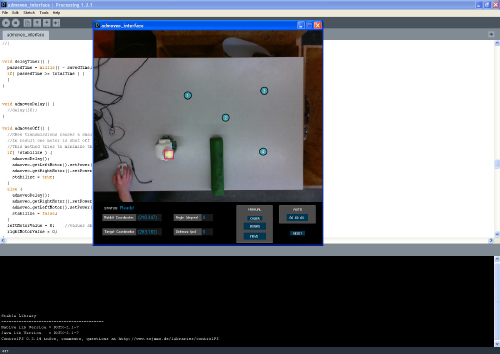
Back during my graduation project at the TU/e, I worked on building a system to create smoother robot motion through an operator-based interface using computer vision and Processing. The setup was to track the robot from above with a camera and have the motion controlled by having the operator selecting various points on the computer to create a motion path.

To realize this, I used Processing and the JMyron Library to track the robot with color recognition. BUT, there was a huge problem when I tried to get JMyron to work... Every time when I tried to run the code, my computer would get a blue screen and crash. I tried switching webcams, but still not luck. Google didn't help either, as I wasn't able to find a reason/solution for the blue screen to appear.
There was a forum a post pointing out that Logitech webcams might be the cause for the problem. Guess which brand of webcams I had...? So, I went to the store got a Microsoft Lifecam Cinema (720p) and everything worked perfectly! No more blue screen!! Also the camera is pretty awesome as well!
tl;dr, don't use Logitech cams if you're planning to use Processing and JMyron :)
Away3D - Transparent Planes
I saw that my blog had some search hits for Transparent Planes in Away3D. So if anyone is still looking for it, here's the code to create a transparent plane. Hope this helps! :)
var matBlank:WireColorMaterial = new WireColorMaterial(0xFFFFFF);
matBlank.alpha = 0;
matBlank.wireAlpha = 0;

var plane:Plane = new Plane({material: matBlank, width: 200, height: 200});