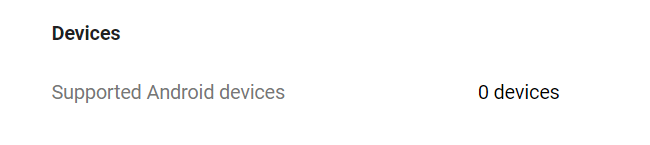
I had this issue the other day saying my app upload to the Google Play Store has 0 supported devices. After hours of checking and testing everything, the issue was found in the AndroidManifest.xml.
<uses-feature android:name="android.hardware.autofocus" />
Which should be:
<uses-feature android:name="android.hardware.camera.autofocus" />
The camera autofocus is a feature added by Vuforia in Unity3D, and it probably never updated the manifest file after I’ve updated Vuforia. The “0 Supported Devices” was gone and app was showing supported devices again the developer’s console after fixing that line in the manifest file. If this fix didn’t work then it might be a good idea to check the other <uses-feature> and https://developer.android.com/guide/topics/manifest/uses-feature-element.
Related Posts
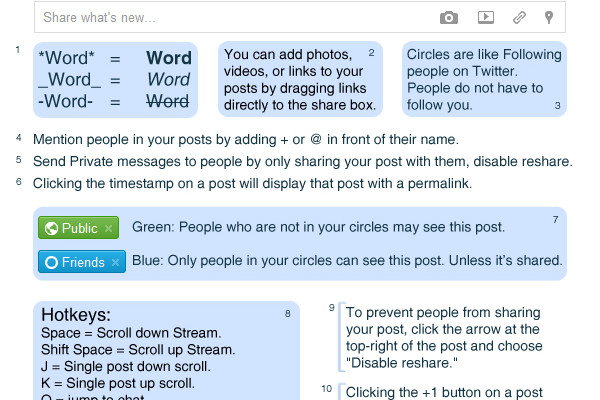
[How-to-Fix] Google+ Cheat Sheet
Google+ Cheat Sheet. Tips and tricks about how to use Google+ and its features.