I’ve been using the Disable Comments WordPress plugin for some of my websites. It works great in disabling and hiding the comment sections in posts and pages. However, I decided to re-enable the comments and the comment form didn’t show up anymore. I tried disabling and deleting the plugin and made sure everything was on in the Discussion section was enabled, but without nothing worked. Took me ages until I found a solution on the plugin support forum.
To fix the comment form in the posts and pages:
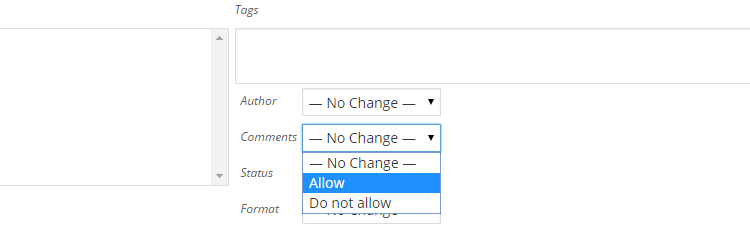
– From the Posts Screen, check the boxes next to all the posts you want to edit, select Bulk Actions -> Edit, and click Apply.
– In the bulk edit area that appears, check the box for comment status and click Update.
Related Posts
The Unofficial LEGO Minifigure Catalog
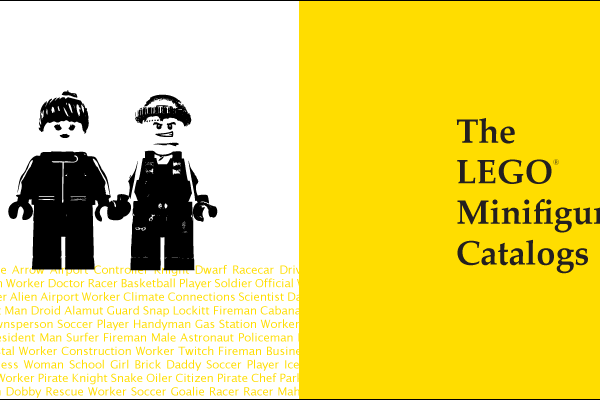
The LEGO Minifigure Catalog promotion video that I was making is up and running! The purpose of the video is to show how extensive the book actually is with over 3600 minifigure photographs with professional quality, interconnected metadata and theme taxonomy.