Sometimes it takes forever for Unity to launch. Especially when you have a lot or large assets. For some of our projects it could take hours for Unity to actually launch the editor. It’s super annoying and you can’t do anything else in the meantime. But there is a way to skip all that in the newer versions of Unity.
If you’re having this problem, start a new project with a particular Unity version so you can actually get into the editor. Then go to Edit > Preferences > General and UNCHECK “Compress Assets on Import”. Now close the project and open your actual project and it should launch way faster!

Related Posts
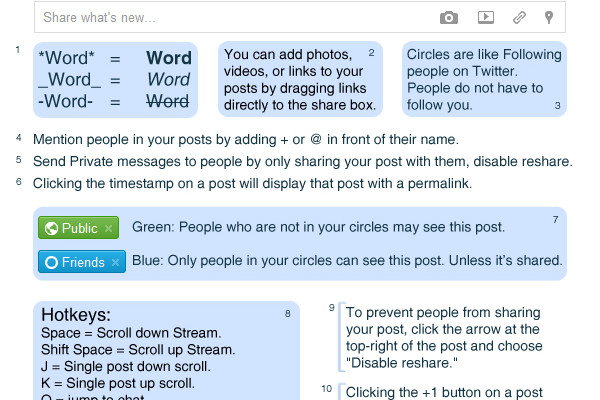
[How-to-Fix] Google+ Cheat Sheet
Google+ Cheat Sheet. Tips and tricks about how to use Google+ and its features.

[FIX] Unity3D – Moving Files Failed Error When Making Build
I was trying out the Google Player Services plugin and got this error message when I was trying to make an Android build which prevented me from finishing the build.

Ryusei Teaser
Presenting tomorrow at Round 4, Building Virtual Worlds. Streaming will be available! More info soon!
View PSD & TGA Files in Windows Explorer
Want to be able to view .PSD and .TGA files as thumbnails in your explorer?