I’ve been playing around with some Unity3D plugins lately. Trying out different ones to see what works and what doesn’t for my Infinite Meow [icon name=”external-link” class=”” unprefixed_class=””] game. At some point, I was trying out the Google Play Game Services [icon name=”external-link” class=”” unprefixed_class=””] plugin and got this error message when I was trying to make an Android build which prevented me from finishing the build.
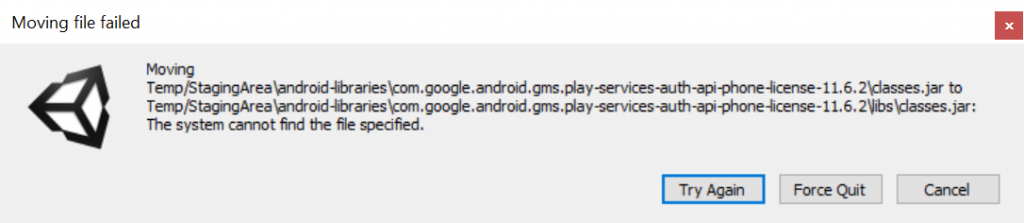
Not sure what caused this error. It could be from the Google Play Game Services plugin itself or maybe some files that got left behind from uninstalling other plugins were creating some kind of conflict. There were a bunch of potential fixes on the internet, but this one worked for me.
- Go to the folder “Assets\GooglePlayGames\Editor\m2repository\com\google\games\gpgs-plugin-support\” and move the “0.9.xx” folder to a temporary place.
- In Unity go to the top menu and select “Assets > Play Services Resolver > Android Resolver > Force Resolve”. This will give an error.
- Put the “0.9.xx” folder back where you’ve moved it from.
- Go back to Unity and run the “Force Resolve” again.
- Start a new Android build and now the error is gone!
Source: https://github.com/googleads/googleads-mobile-unity/issues/569
Related Posts
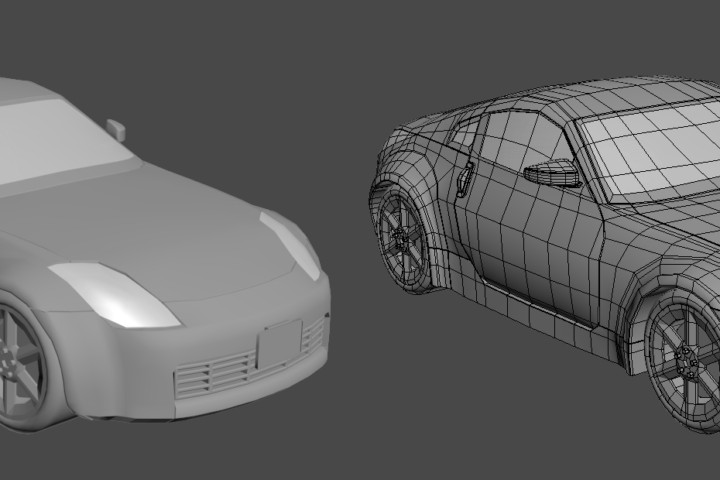
3ds Max Adventures! Nissan 350z
3ds Max Adventures! Nissan 350z