UXPin's UX Design Knowledge & Tool Kits
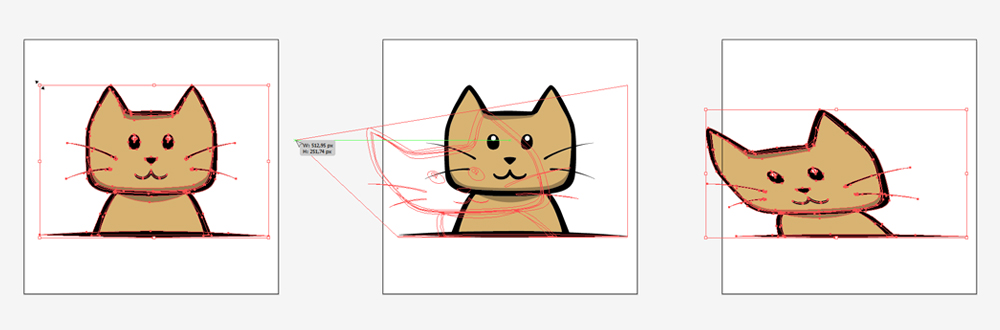
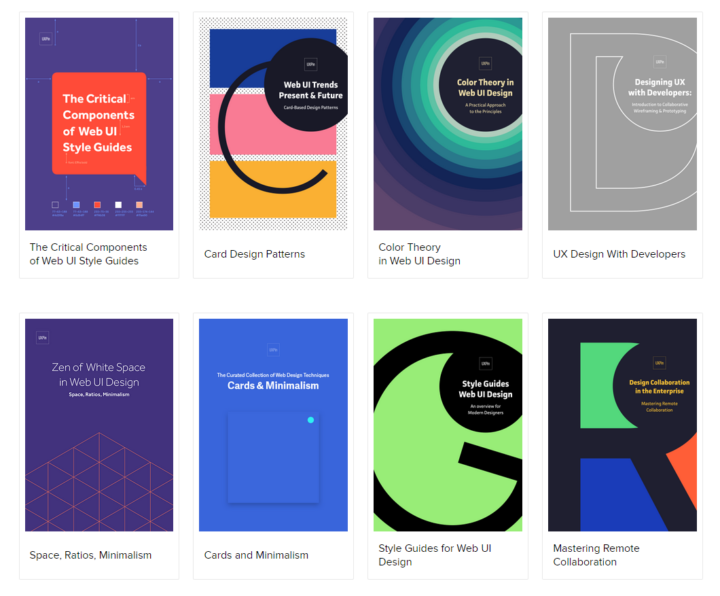
UXPin has a very neat section where they share knowledge and tool kits with thoughtful content on mobile & web prototyping, wireframing, mockups, usability testing, project management, design process & more. It's basically free! All you have to do is enter your email :)

Illustrator: Free Transform Tool
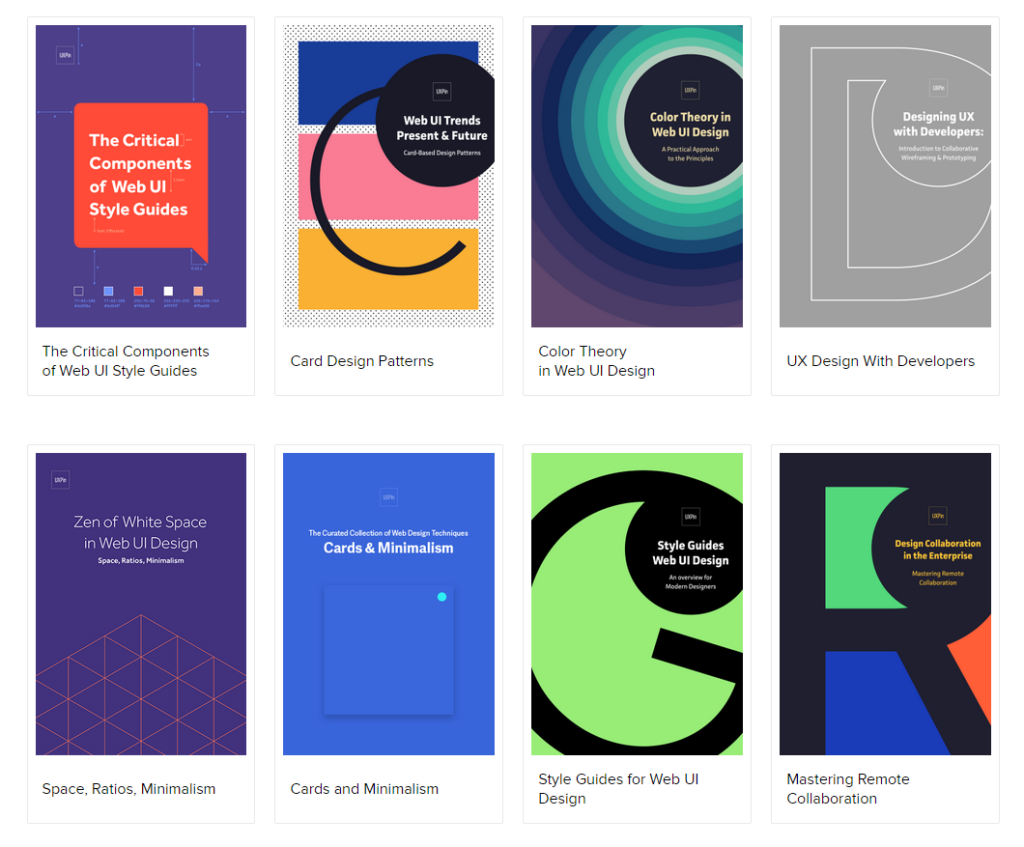
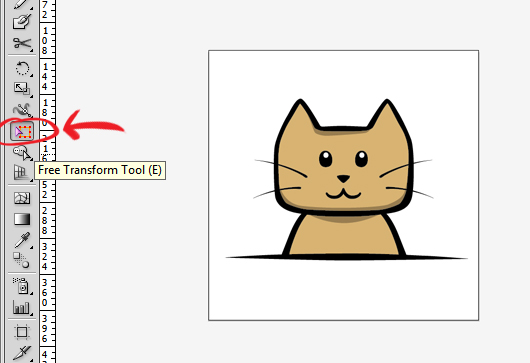 One thing that was always confusing in online tutorials was how to move an object in perspective using the Free Transform Tool. The Free Transform Tool (E) is located somewhere in the middle of the toolbar (see picture).
It's weird to control the free transform tool and it's not very intuitive. The way to do it is to CLICK and then press CTRL. The sequence is very important. The free perspective transform won't work if you switch it around; ctrl + click, it will result in a regular transform.
So remember the sequence "CLICK + CTRL" to transform in free perspective using the Free Transform Tool (E).