YouTube's New Video Player UI
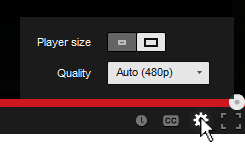
You've probably noticed the subtle change in the YouTube video player UI implemented a few days ago. They moved the "Player Size" and "Video Quality" buttons and incorporated them into the Cogwheel button. Their goal was to make the video player UI more compact and they've achieved that doing so.
Personally, I hate the new UI... not because I hate change, but because they moved the 2 of my most used buttons and nested them within another one. From an interaction standpoint the previous UI was simple:
- Set to Player Size: (1) Press Player Size button
- Change quality: (1) Press Video Quality button, (2) Set desired quality
Now with the new video player UI I have to perform an extra interaction in order to change the screen size and video quality:
- Set to Player Size: (1) Press Cogwheel button, (2) press Player Size button
- Change quality: (1) Press Cogwheel button, (2) Press Video Quality button, (2) Set desired quality
One extra interaction doesn't seem much, but for me and I think for a lot of other users it's an annoyance. Also, visually the new Player Size button is a bit weird. It looks like a toggle switch but it acts as a slider. I get confused sometimes thinking the "darker" side is the active one.. it's actually the other way around. To make it more intuitive and clear, there's a simple fix simply by adding a more distinctive rounded corner and by adding a drop shadow to the activated side.

Space Invaders 8x8 LED Matrix
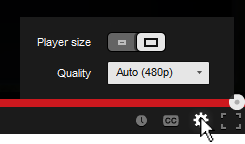
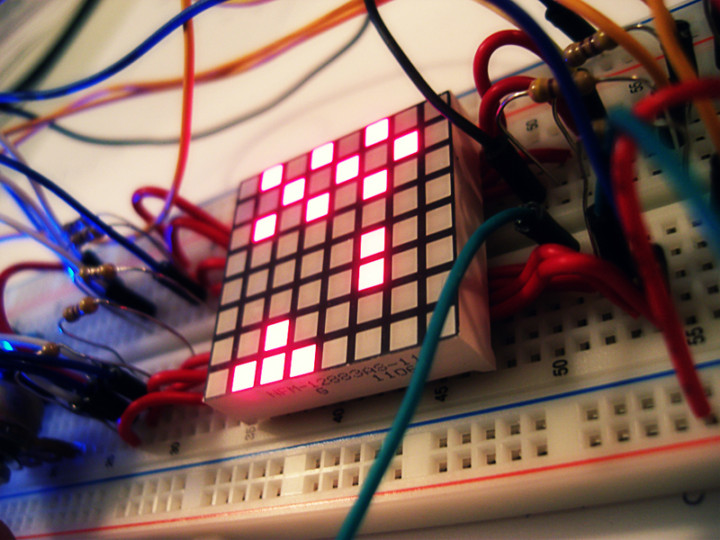
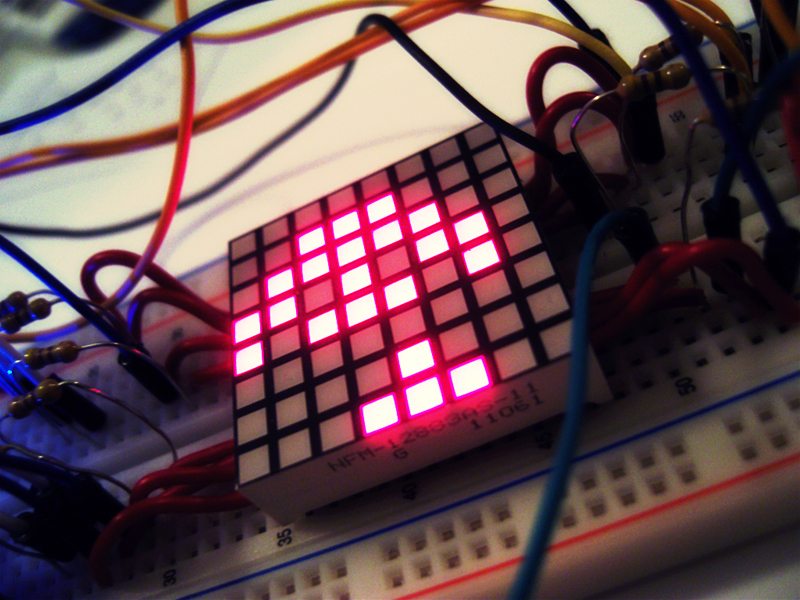
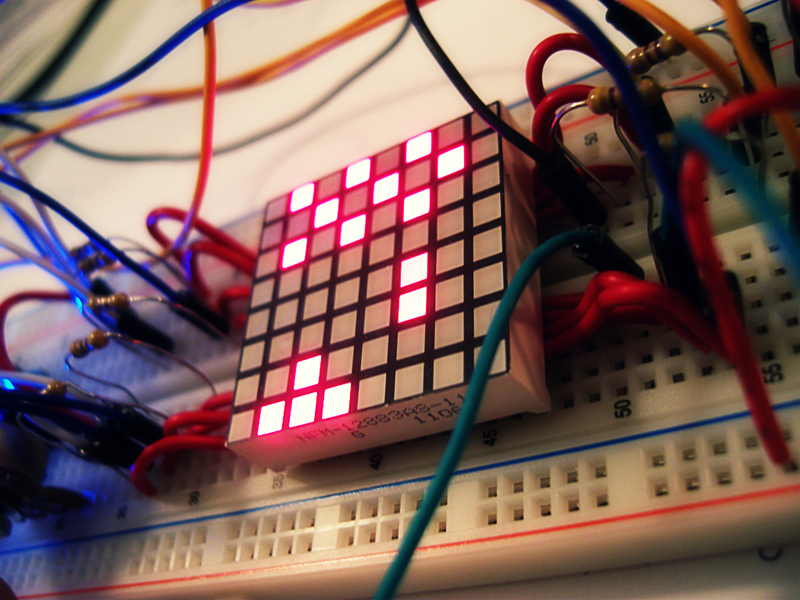
Finally uploaded the video of my Space Invaders game on an 8x8 LED Matrix using an Arduino Nano.
For more info check out my portfolio page Space Invaders - 8x8 LED Matrix
http://www.youtube.com/watch?v=M8C3GZfQZqc&hd=1
Learning ROILA

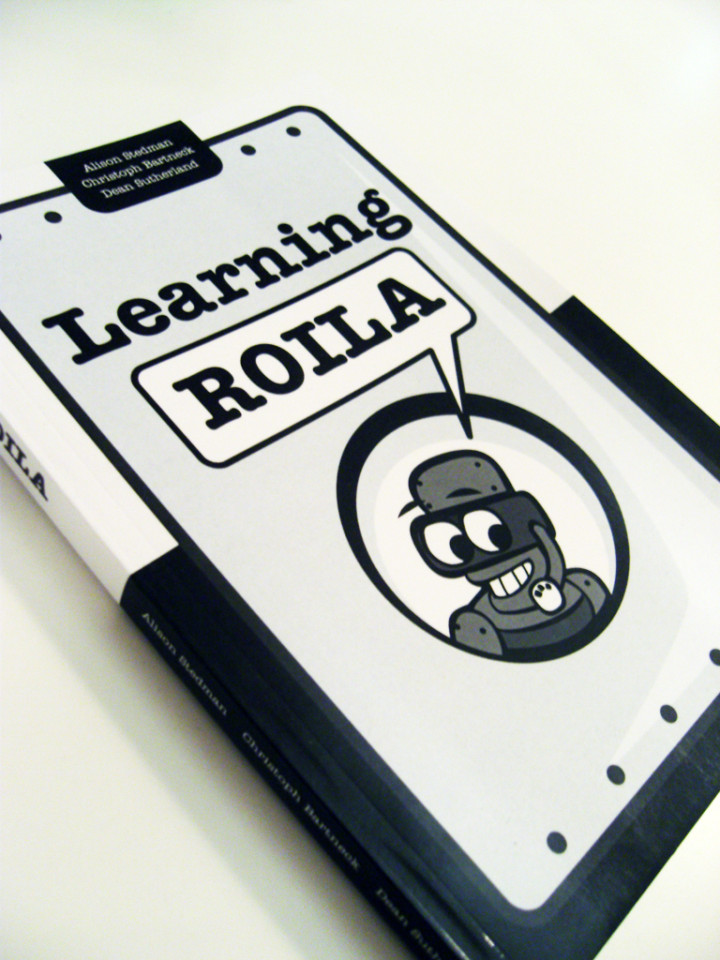
The RObot Interaction Language (ROILA) is a new spoken language that is optimized for the communication between machines and humans. It is extremely easy to learn for humans and it is simple for machines to recognize. The goal of this book is to support humans learning ROILA.
I was hired by ROILA to design the layout and illustrations for the book. The illustrations made for the book are black and white vector based images for high quality printing. The layout is entirely created in InDesign with design specifications to allow both print and epub publications. Currently, Learning ROILA is available as a paperback or Kindle version on Amazon.com, or as an EPUB from Lulu.
Visit the ROILA website for more information on the RObot Interaction Language.

